

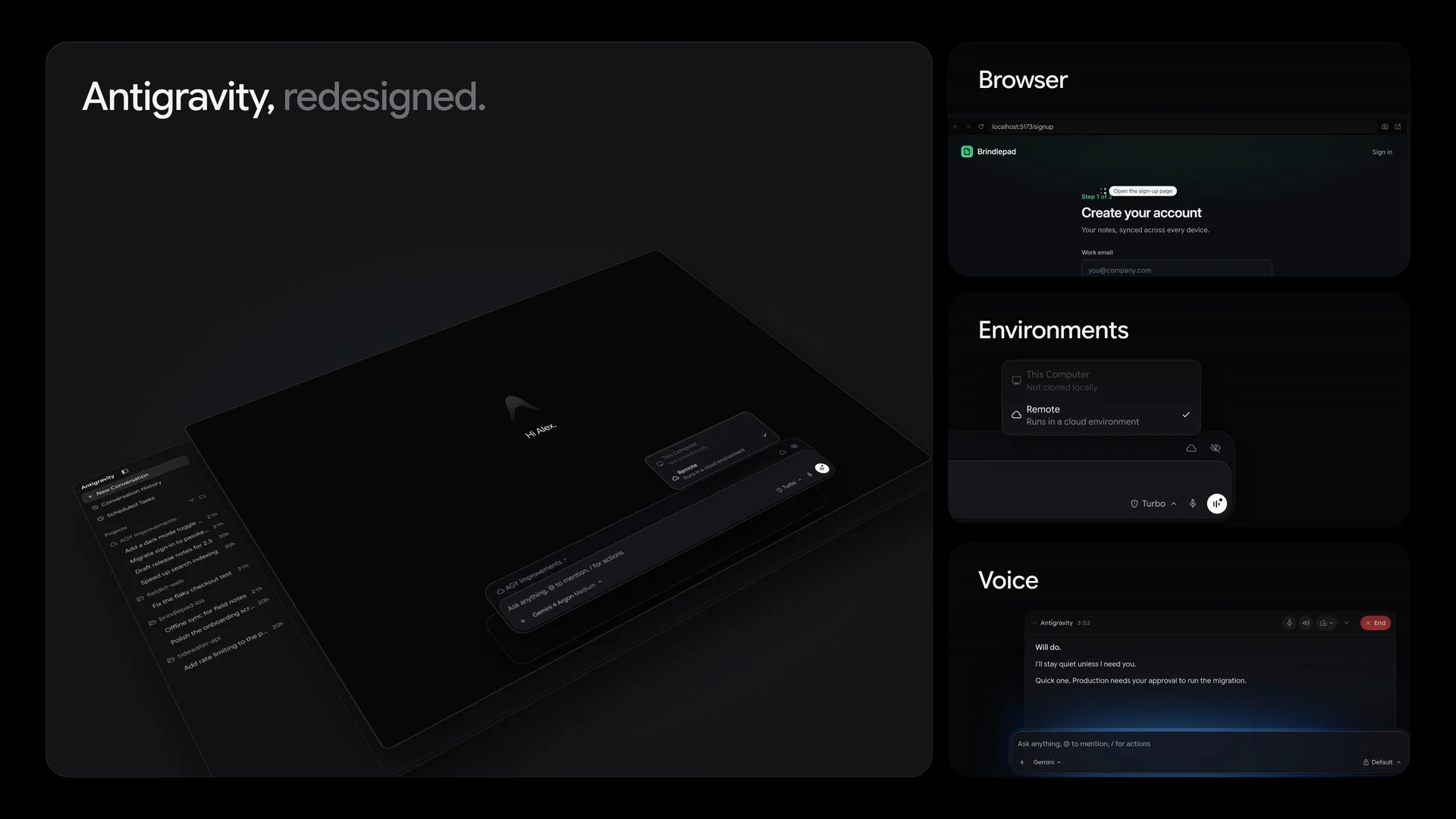
Google Antigravity Plugin Marketplace and the redesigned workspace
Google packages skills, MCP servers and agent configuration into installable plugins for Antigravity App and CLI. Here’s how to test one on a real development workflow.
What did Google add to Antigravity?
Google announced its Plugin Marketplace on October 29 for the Antigravity App and CLI. A plugin packages versioned instructions and integrations under a single manifest. Teams can share a workflow without recreating the same connector and skill setup in every repository. Google’s launch examples include integrations for Figma, Datadog, Stripe and other tools. Google’s marketplace announcement
How do Browser, Environments and Voice fit together?
The redesign image highlights three ways to work with an agent. Browser gives the workflow an interface to inspect, such as a local signup form. Environments lets a team decide where a task runs. Voice provides another way to interact with the workspace. Check the changelog for the specific App, CLI or IDE version your team uses because updates to one surface can arrive separately. Antigravity changelog
What should a team install first?
Pick a workflow that already has a clear review step. A useful first test is to read a bug report, reproduce it in a staging browser, and draft a patch. Give the plugin access to the test workspace and only the tools needed for that task. Record which data it reads and what it can change. Inspect the diff before merging, and repeat the test after a plugin update.
A marketplace listing simplifies discovery. Your team still owns the permissions, test fixtures, and approvals for production actions. Use a separate test identity for third-party connectors and start with read-only access where the workflow permits it.
Take the next step
Bring one workflow and the systems it needs to access.
Let's Talk